

Unboxing
This task is about identity and self-presentation. It's an icebreaker inspired by a well-known YouTube phenomenon - the unboxing video - but with a twist. On YouTube, influencers unpack and talk about products; in this task, pupils "unbox" themselves to share who they are with others.
The Unboxing task doesn't require advanced technical skills. It's a simple and engaging way to get started with vlogging while giving pupils the chance to practice filming, editing, and uploading their own videos.
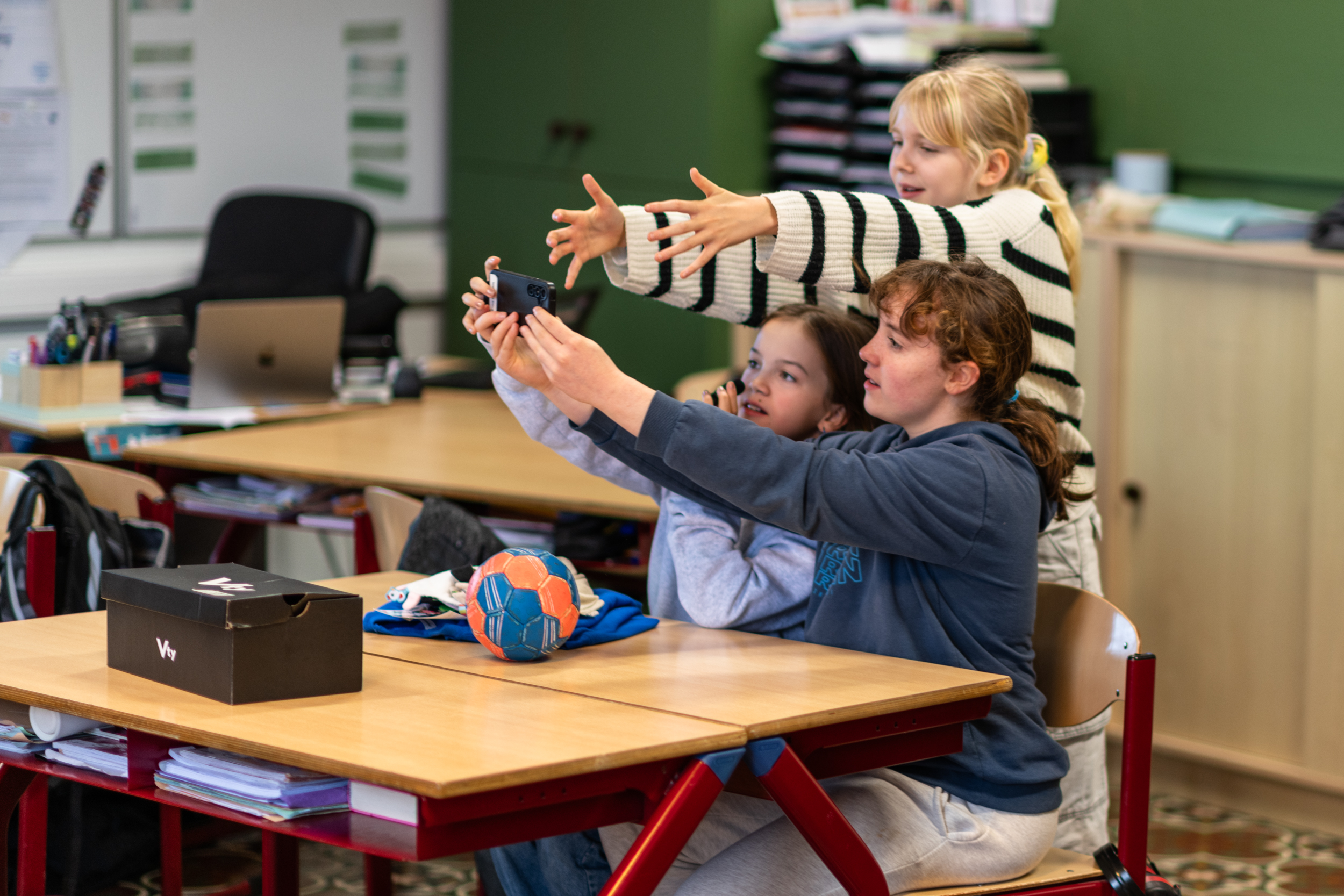
What's in your box?
Unboxing videos are a familiar format for many pupils. In short, they show a person unpacking or unwrapping items, often while explaining what they are and why they matter. The items can range from sweets and gadgets to clothing or other everyday objects. While unboxing videos are often associated with entertainment, the format can also be used as a starting point for meaningful discussions about identity.
In this learning activity, the unboxing concept is adapted to focus on the person rather than the product. Instead of unboxing objects bought in a shop, pupils are invited to “unbox themselves” by selecting a small number of personal items that says something about them. Examples of objects can be things that shows something about the pupils' identity, hobby, interests or background etc.
Teaching Plan
In the following section, several examples demonstrate different ways of “unboxing a person”. Each example shows a unique approach, highlighting that there is no single correct way to complete the task. Pupils are encouraged to develop their own ideas and creative solutions. The key aim is to share personal details, as these details help make each vlog distinctive and meaningful.
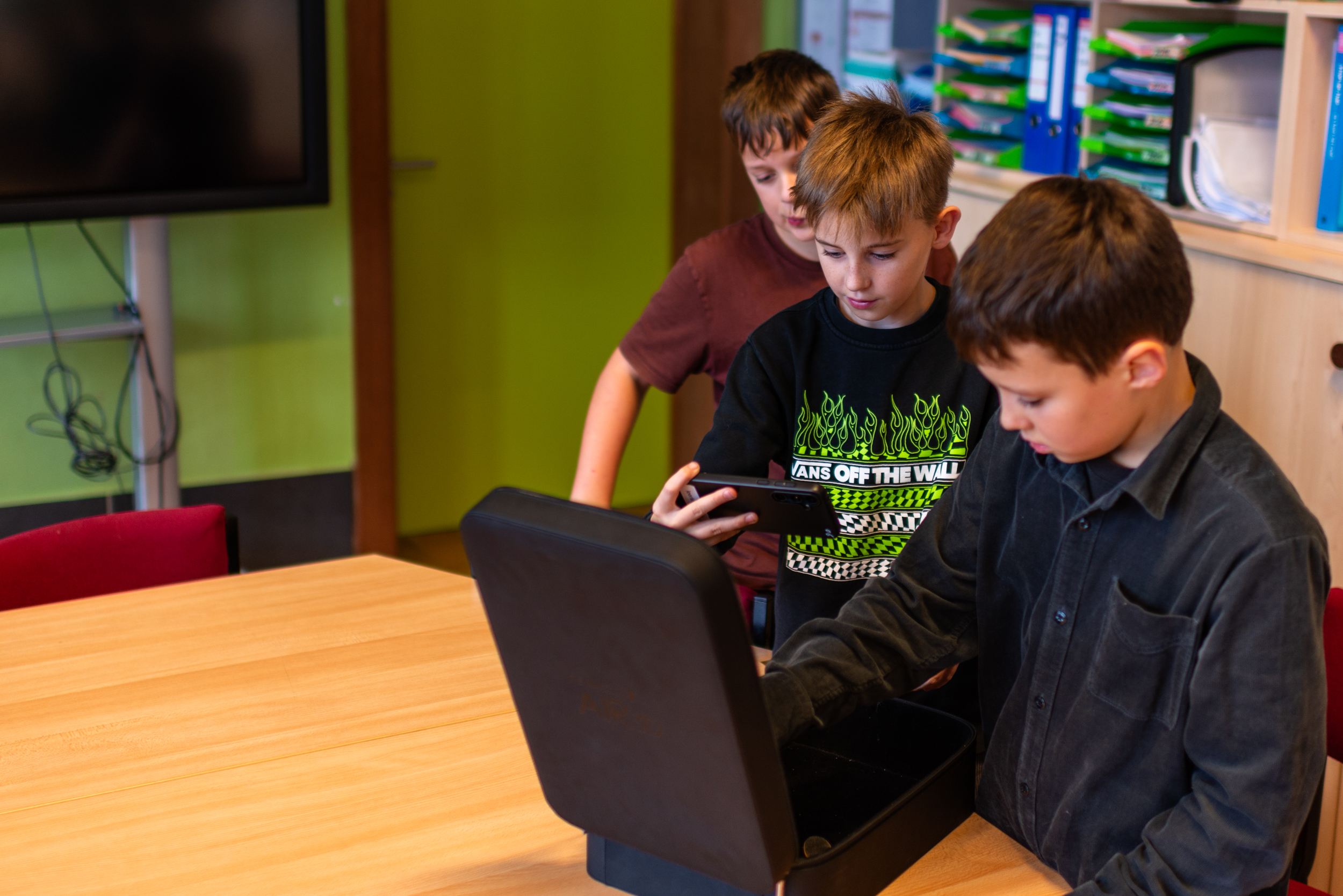
Unboxing Even - Short Version
One of the example vlogs is presented in two versions: a longer version and a shorter, edited version. This provides an opportunity to discuss length, pacing, and audience engagement in vlogging.
Unboxing Even - Full Version
Now, take a look at the full version. Try to notice what he cut out. Think about why he chose to delete these sequences and what kind of effect this had. It can be hard to decide on what to cut out. Still, most vlogs will benefit of being trimmed down a tad.
Some questions for discussion in class
What did you learn about Even when watching the vlog?
Which version did you prefer?
How did they use the camera and camera movement?
How did he communicate with the audience?
Do you feel something is missing in the short version?
How can you use editing to tell a story more effectively?
Why do you think he chose to cut out certain bits in the short version?
Unboxing Ken - Helmet Edition
Ken's vlog shows how the same task can be approached using a few more creative ingredients. Ken had a different idea of how to unbox himself. While Even chose different items relating to himself, Ken's items were all of the same category, relating to his favourite sport hurling.
Some questions for discussion in class
What did you learn about Ken when watching the vlog?
How did Ken use items to tell a story?
What was the main differences between Ken's and Even's unboxing?
How and when did he use B-roll footage?
How was the camera used in this vlog?
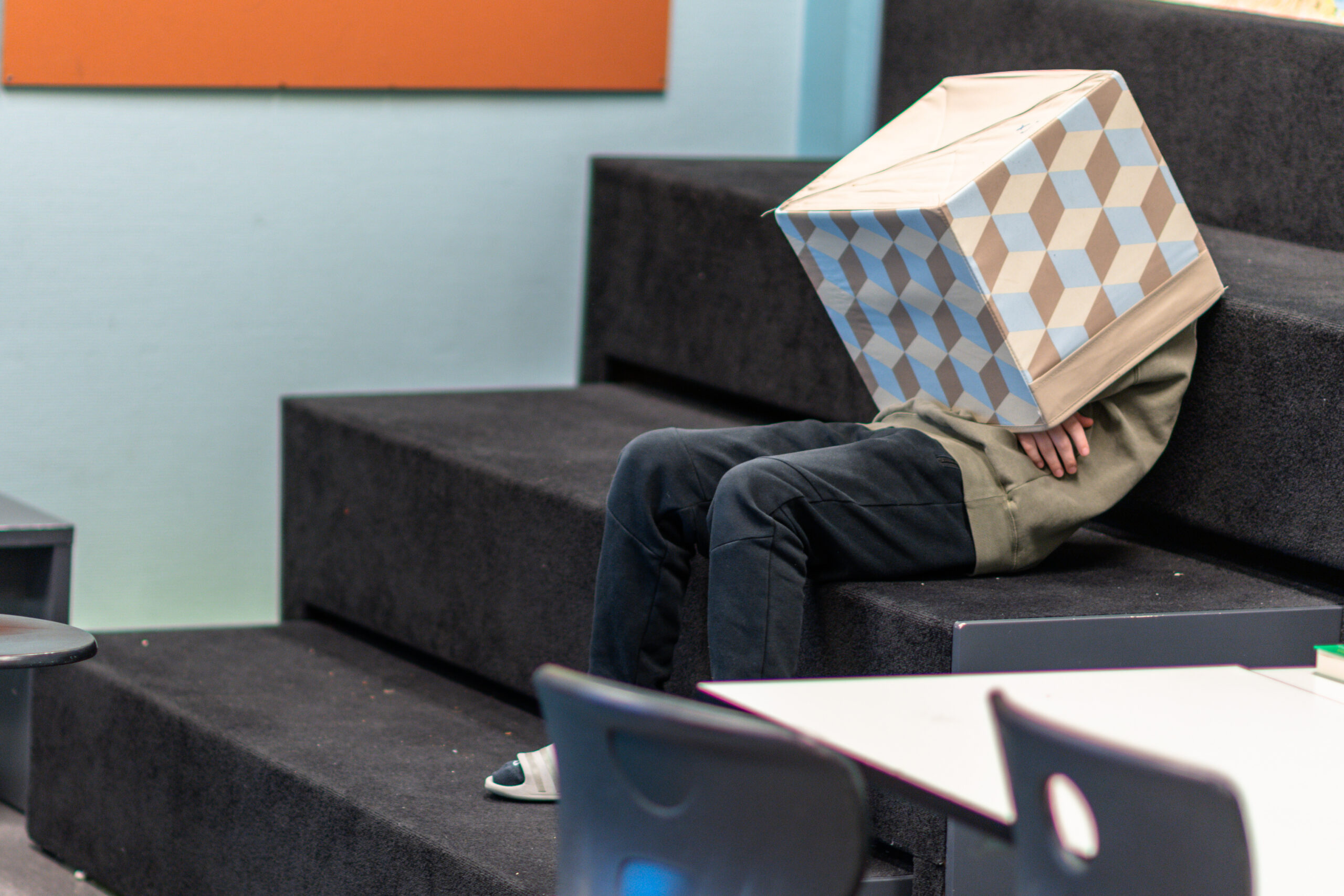
Unboxing
Now it is time for pupils to try vlogging. Depending on their experience with using video in the classroom, they can choose either Option 1 or Option 2.
Option 1:
Make an unboxing vlog about your group. As a group, you may find or construct a suitable box. Each group member will bring in one item each to put inside the box. Edit together the video clips from each group member into one unboxing vlog.
OR
Make individual unboxing vlogs (like Even did), and find four items to put inside your box.
Option 2 (advanced):
Make an unboxing vlog like described above, but add som B-roll (cut-away footage). Example: If we first see you taking a football out from the box, then the B-roll could be clips of you doing some tricks with the ball. This will add an extra layer to your video, where you get to practice more editing skills.
